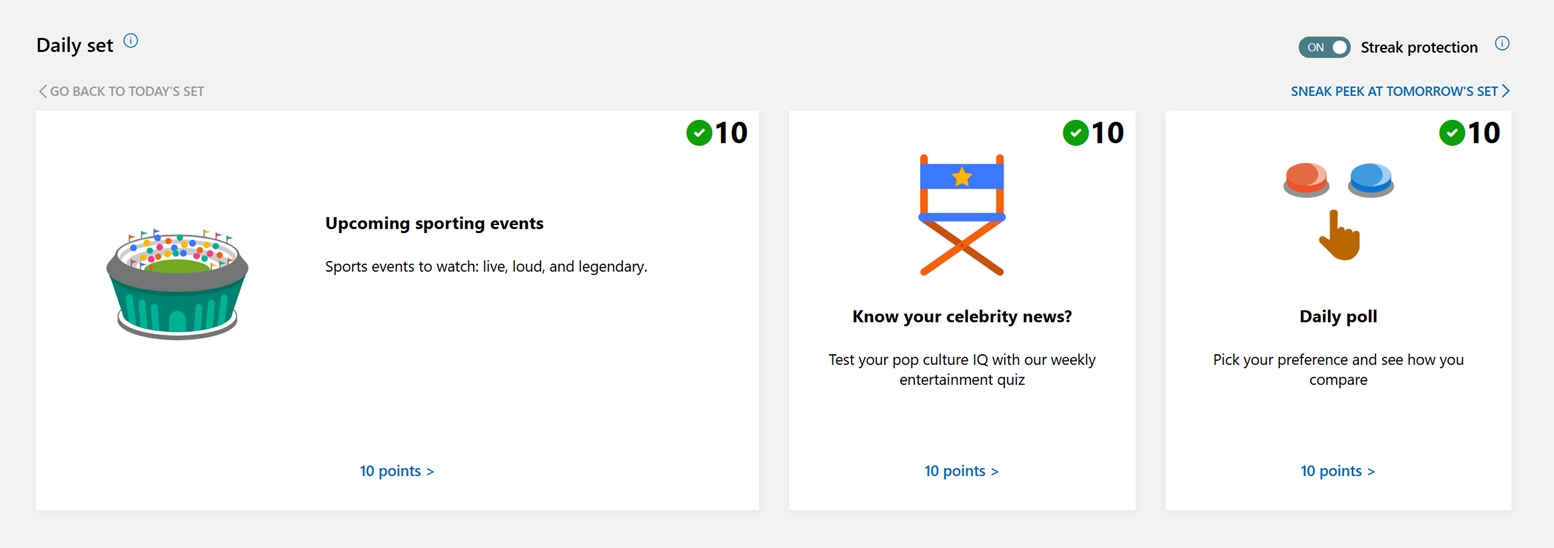
One of the best ways to earn additional Microsoft Rewards points is to use the Bing App and check into the Today’s Points section daily. From there, you can click on each of the offerings and earn anywhere between 30-50 points extra a day in 2026. Not only can you earn bonus points from that, but Bing also provides a daily streak bonus that generates extra points when completing something like 7 days in a row.
Video Coming SoonToday’s Points Daily Set on Microsoft Rewards – #microsoftrewards
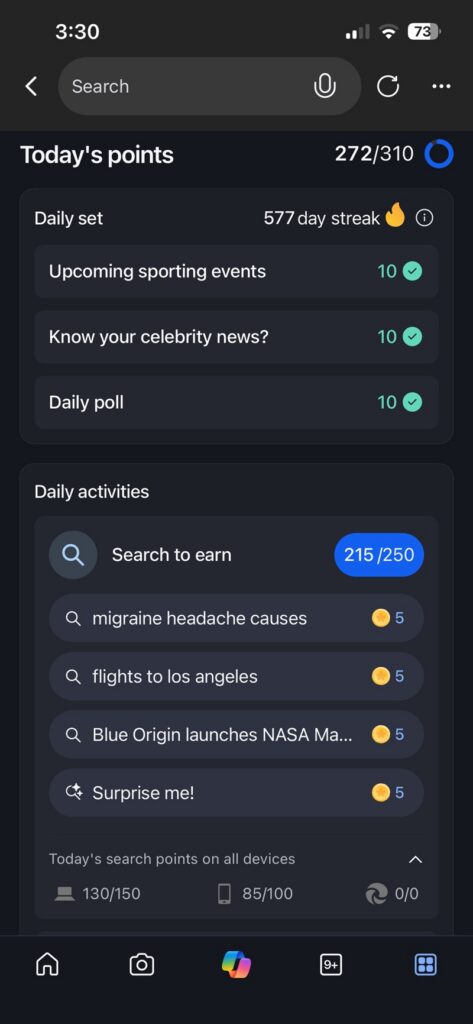
I use the Bing app on my iPhone each morning to keep my current 577 day streak alive for more Microsoft Reward points. Each day, you can earn about 30 additional points, and then have bonus points for keeping the streak alive. I like using the Microsoft Bing app to do this because it is easy to click on the additional points to earn to get that 30 more points per day https://thefreepoints.com/Key Takeaways
- Daily Points Expire: You can only earn the daily points for that day. If you don’t click on them, you can’t get them back in the future.
- Daily Streaks Give More Points: Microsoft Rewards offers bonus points for completing several days in a row. For my streak, I’m over 500 days now, so I’ve been hitting the bonus points weekly.
- Use the Bing Mobile App: The Bing Mobile app makes it easy to see your +10 points for completing these actions. Using Bing on Edge (or Chrome) is not as clear if you earn them
Daily Points Expire
One of the benefits of Daily Points is that you can earn anywhere between 30-50 points per day. Assuming you do this everyday, that comes out to 900 to 1,500 additional points per month. The catch is that you need to click on these daily points each day. Otherwise, once you miss a Wednesday’s points, you won’t be able to get them back on Thursday.
Daily Streaks Give Additional Points
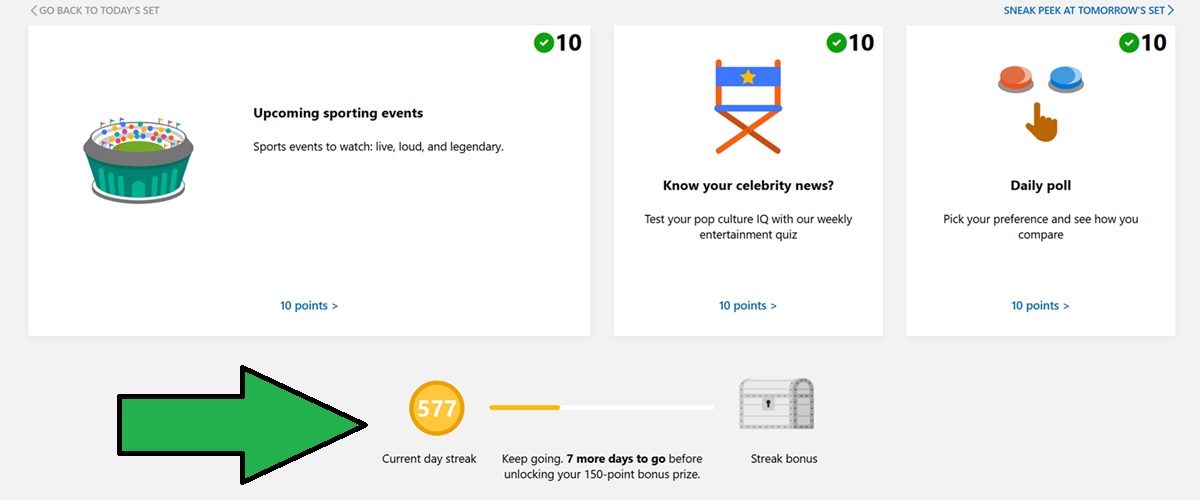
As explained, you can assume you will get anywhere between 900 – 1,500 more points each month for completing these tasks. An added bonus, which users tend not to notice, is that Microsoft will reward you even more for daily streaks. In the image below, you can see that I have an opportunity for an additional 150 points if I complete another 7 days.
These bonus points will vary on how often you can get them, but let’s assume you get this very 7 days. That means another 600 points on top of the 900 – 1,500 more points for completing these tasks.
Use the Bing Mobile App
I’ve found that using the Bing Mobile App helps me stay on track via the daily sets on Microsoft Rewards. Each morning, I log into the Bing App and I click on the rewards tab. From there, I click on each of the three offerings to ensure that I complete them first. Knocking out those three to star the day means I’m guaranteed those points, and that I’m keeping my streak alive. Plus, the Bing Mobile App will even show the +10 symbol when you complete these tasks, which is not the case on the Edge App or setting your Safari browser to Bing.
Final Thoughts
The daily Rewards Points is an easy way to earn more Microsoft Rewards points for your account. As mentioned, you can earn anywhere between 900-1,500 points per month just by clicking on these boxes. In addition to that, you also get bonus points for keeping your streak alive, which is the case for my account.