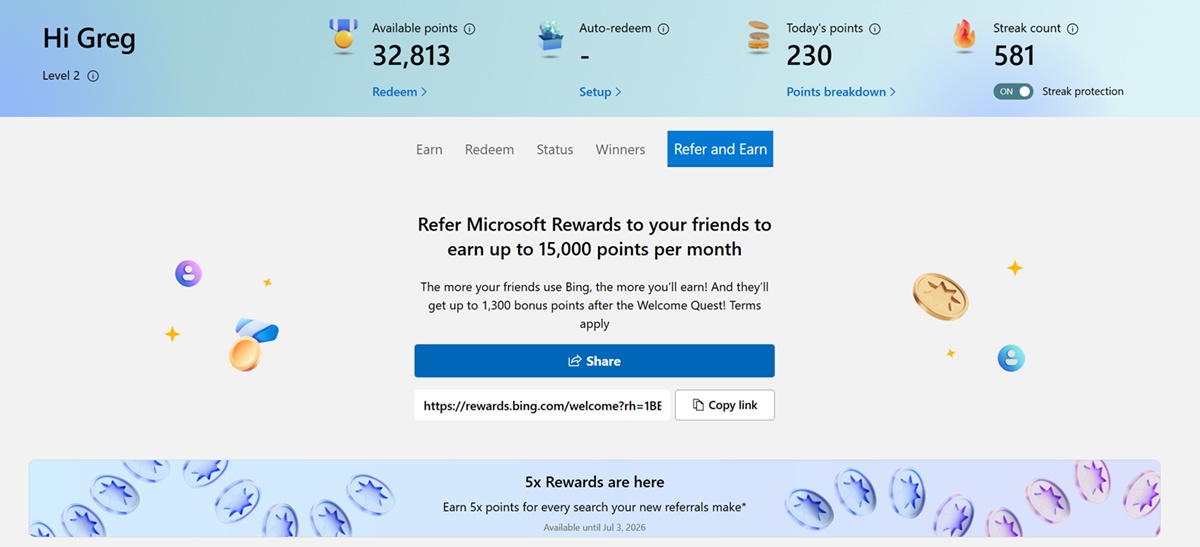
One way to earn additional Microsoft Rewards points is to refer the program to your friends and have them sign up as new users. Normally, the program gives you one per search they do, but Microsoft is adding a 5x multiplier to this program from June 2, 2026, to July 3, 2026. Here is the full breakdown of the Microsoft Rewards referral program.
Coming SoonKey Takeaways
- How it Works: Invite your friends with a unique tracking link to join Microsoft Rewards. As a note, they need to be new users to this program for you to earn.
- You Earn When They Search: After they sign up, you earn 1 point for each search they perform. As long as the searches are legit and not gaming the system, you earn 1 Microsoft Rewards point for each Bing search you perform. From June to July 2026, there is a 5x multiplier in place, which means you earn 5 points instead of 1 point.
- The More Referrals, the More Points: If you refer 10 friends who make 30 searches a day, you will earn 300 points for that day. That comes out to 9,000 points, which is roughly $9 in Microsoft Reward points. Microsoft Rewards is currently capping the total number of points you can earn to 500 a day from each new user.
- Geography May Impact This: I’m sharing my experience from the United States. Not every country may qualify for this program, so it is best to check the link to see if you can use it to earn more points.
- Spam / Gaming the System Won’t Work: If you or your referrals try to game the system with multiple accounts, VPNs, automated searches, etc., you won’t earn points once you are caught, and most likely will be banned.
How You Earn More Points from Referrals
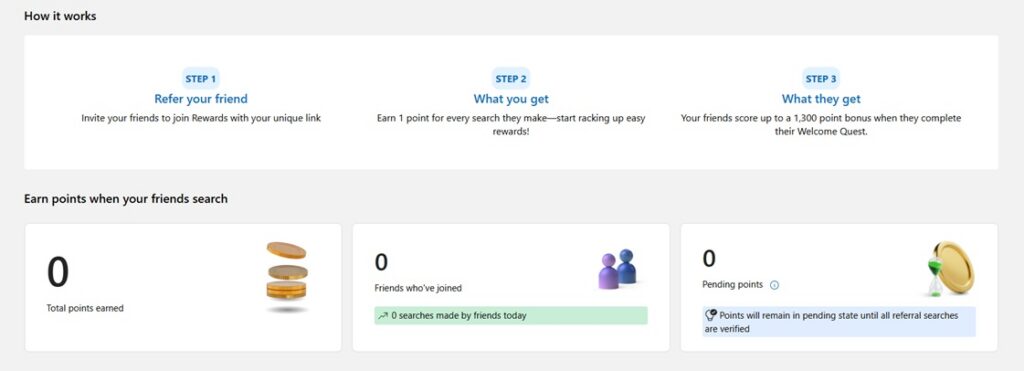
You earn one additional Microsoft Point for every Microsoft Bing search your referral makes. Here is the breakdown in simple terms
- 10 Searches a Day = 10 Points Per Day
- 20 Searches a Day = 20 Points Per Day
- 30 Searches a Day = 30 Points Per Day
- 40 Searches a Day = 40 Points Per Day
- 50 Searches a Day = 50 Points Per Day
Earn 5x Bonus Through July 3rd, 2026
Microsoft Rewards always has one-off promotions. Currently, from June 2nd, 2026, to July 3rd, 2026, your referral can earn you 5 points per Bing qualified search. That means that instead of 10 searches getting you 10 points, you will receive 50 points with the 5x multiplier.
However, it is worth noting that Microsoft Rewards is imposing a daily cap of 500 points on the program. That means with the 5x multiplier, you can only earn 100 search points (100 searches) per day from that user.
What Do Your Referrals Get for Joining You?
If your referrals complete the Welcome Quest, they will receive a one-time 1,300-point bonus with the program. That 1,300-point bonus is pretty awesome, since it can take them several days to accumulate without that bump.
How Long Can You Keep Earning Points from Your Referrals?
It is worth noting that Microsoft can update this policy at any time, so I’m providing this information as of June 2026. As of June 2026, you can earn referral points from that individual for up to one year. However, there are reasons this can change, and abuse, fake profiles, or VPN activity can remove points at any time.
Ways for Your Referrals to Earn Points – Bing Mobile
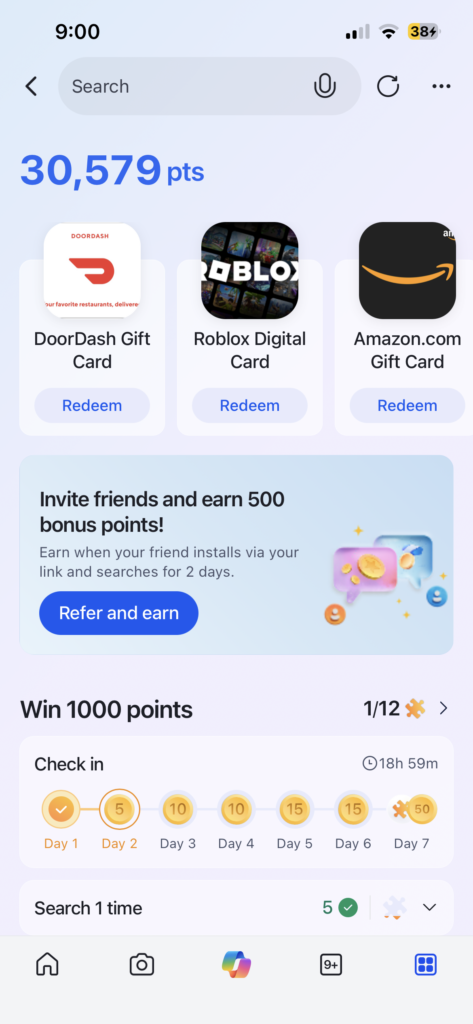
The easiest way for your referrals to earn points is through the Microsoft Bing App. The app makes it easy to check in daily to see what points you can earn, so I always recommend that you have your friends use it. Plus, there are other ways they can earn more points, like reading news articles, which give them an extra 30 points per day.
Edge on Your Computer
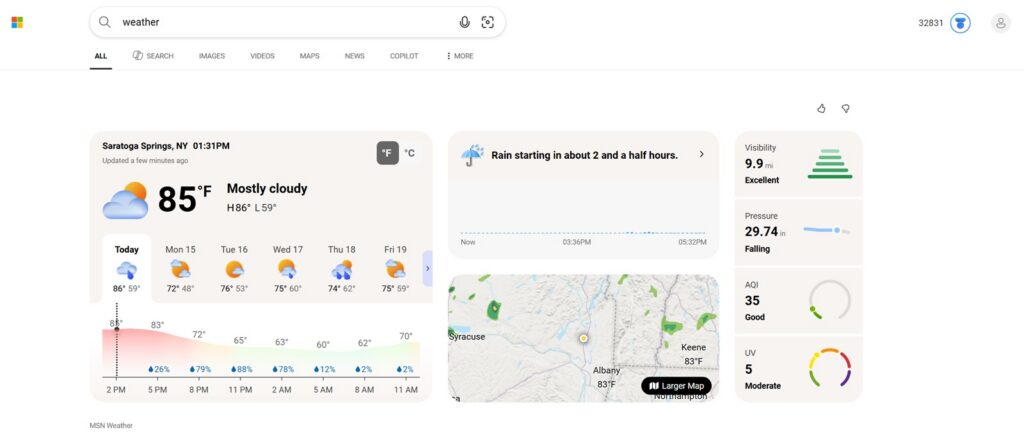
Microsoft Edge defaults to Bing, so once you sign in, it is easy to earn points as you search. In my experience, it is more difficult to earn more points when using Safari or Chrome, since they default to Google unless you manually change that. Therefore, a user will need to manually go to Bing.com to search, which slows down the earning opportunity.
At a minimum, I recommend using Microsoft Edge on your Windows or Apple device to maximize the number of PC searches before switching to Chrome or your preferred browser.