
Key Summaries
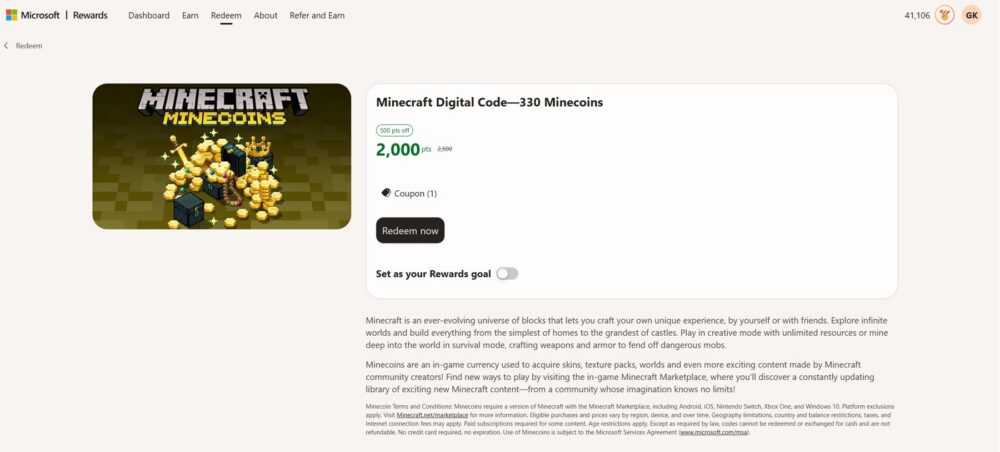
- Cost. 2,500 Microsoft Rewards points gets you a Minecraft digital code worth 330 Minecoins.
- Marketplace currency. Minecoins are spendable on skins, texture packs, worlds, and other Marketplace content made by the Minecraft community.
- Platforms. The code works on Android, iOS, Nintendo Switch, Xbox One, and Windows 10, covering any version of Minecraft with the Marketplace built in.
- No expiration. Codes never expire and don’t require a credit card, though they can’t be exchanged for cash or refunded once redeemed.
- Limited stock. Minecoins have disappeared from the Microsoft Rewards catalog before, so treat it as available now rather than guaranteed to stay.
Recommendation: Grab It as Soon as You Hit 2,500 Points
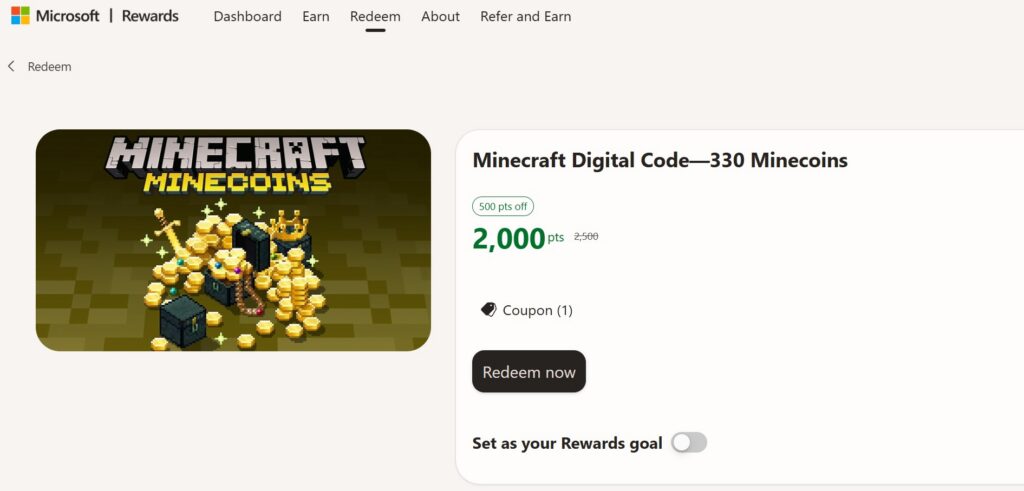
At 2,500 points, this is one of the cheaper redemptions in the whole Microsoft Rewards catalog, which makes it a great early target if you’re new to Rewards. But don’t assume you can let points pile up while you decide: gaming rewards like this one have a history of vanishing from the store with no warning. Members have reported logging in expecting to redeem for Minecoins only to find the option gone, alongside similar disappearances of the Overwatch, League of Legends, and Roblox rewards in the past. If it’s sitting in your redeem page and you actually want it, redeem now rather than waiting for a “better time.”
What You Get: 330 Minecoins for 2,500 Points
Minecraft sells Minecoins in tiered bundles directly through the in game Marketplace, and 330 coins lines up closely with the smallest paid tier, which typically runs a couple of dollars when purchased outright. That puts this redemption at roughly 7.6 Microsoft Rewards points per Minecoin, which is a reasonable rate for a currency your kids (or you) will actually spend on cosmetics rather than something that sits unused. It’s not enough for one of the pricier worlds or bundle packs on its own, but it comfortably covers a skin pack or texture pack, and any leftover coins roll over for your next purchase.
Fastest Ways to Rack Up 2,500 Points
Because this reward sits at a lower point threshold than most other gift cards in the store, it’s realistic to earn your way to it in well under a week if you’re consistent:
- PC and mobile Bing searches are the backbone of daily earning, and mobile searches usually have their own separate, higher cap.
- The Daily Set on your Rewards dashboard typically hands out 30 to 90 points across a handful of quick quizzes and polls, and it refreshes every 24 hours.
- Punch cards reward a short streak of searches or activities with a lump sum once you finish the card, often in the hundreds of points.
- The Edge browsing streak, when it’s active on your account, adds a 300 point bonus for using Edge at least 30 minutes a day for seven days straight.
- The Microsoft Rewards mobile app layers on its own daily streaks and bonus quizzes on top of everything above.
Given how low the point cost is here, most people who search consistently on both desktop and mobile can hit 2,500 points within just a few days.
If you want to speed things up even more, put the Refer a Friend program to work. Anyone who joins Microsoft Rewards through your personal link and finishes the Welcome Quest earns you a one time 1,300 point bonus immediately, which is already more than half of what you need for Minecoins from one signup. From there you keep collecting 1 point for every Bing search that referral makes, up to a 500 point daily cap per person, for as long as a year after they join. Refer even one or two friends who search regularly and you’ll likely never need to buy Minecoins with real money again. I go through the full mechanics, including the bonus structure during promotional periods, in Microsoft Rewards Refer and Earn Gives You More Points.
The Code Only Works Inside the Minecraft Marketplace
Worth knowing before you redeem: this isn’t a code you can use anywhere else in the Microsoft ecosystem. It’s specifically tied to the in game Minecraft Marketplace on Bedrock based versions of the game: Android, iOS, Nintendo Switch, Xbox One, and Windows 10. It won’t apply to Minecraft: Java Edition, and it can’t be transferred to a different Microsoft Store balance or used as general Xbox credit. The terms are also clear that codes “cannot be redeemed or exchanged for cash and are not refundable,” and pricing or eligible purchases can vary by region, device, and time, so it’s worth confirming at Minecraft.net/marketplace if something looks off after you redeem.
This Reward Has Disappeared From the Store Before
Minecoins aren’t a guaranteed permanent fixture the way some other Rewards catalog items are. There’s a documented history of this exact reward vanishing alongside other gaming redemptions, with the most likely explanation being that Microsoft simply runs through its allotment of gift codes and has to renegotiate or restock before it reappears. Microsoft hasn’t published a fixed restocking schedule, so there’s no way to predict exactly when a missing reward will come back; some members have waited weeks.
What To Do If Minecoins Aren’t Available
If you check the redeem page and the Minecraft code isn’t listed, it’s a stock issue, not something wrong with your account. A few things actually help while you wait:
- Check back every few days instead of refreshing constantly, since restocks don’t run on a visible timer.
- Submit feedback through the “Provide Feedback” link on your Rewards dashboard or rewards.bing.com/support so Microsoft sees continued demand for it.
- If you need Minecoins right now, some members have redeemed an Amazon gift card instead and bought Minecoins directly through Amazon’s Minecraft listings, though you’ll want enough points to cover the price plus tax.
None of that gets you Minecoins instantly, but between the low point cost, the referral bonus, and a little patience, this remains one of the easiest gaming rewards to actually cash in on.