
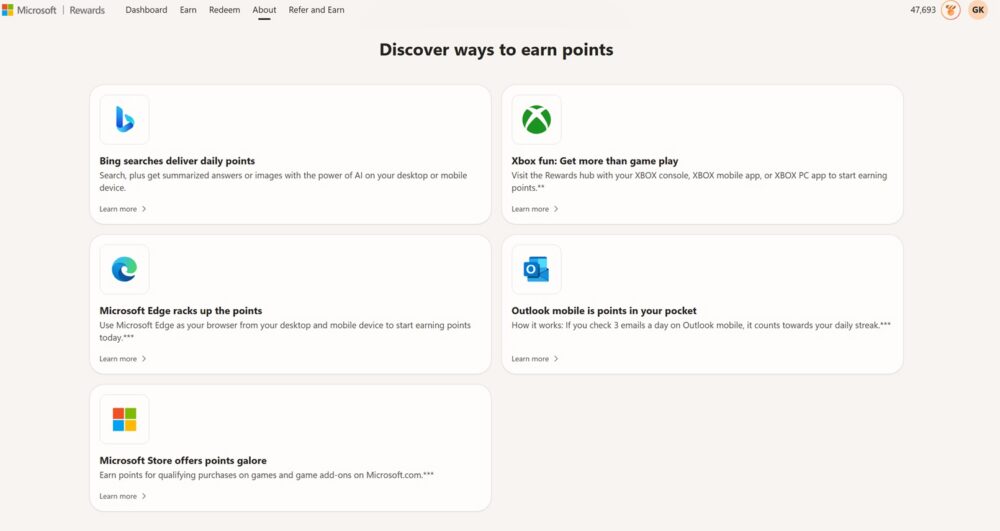
If you’ve opened the Outlook mobile app lately, you’ve probably seen the banner: “Outlook mobile is points in your pocket.” The pitch is simple — check three emails a day and it counts toward your Microsoft Rewards daily streak. It sounds like the easiest points in the entire Rewards ecosystem. No searching, no quizzes, no ads to click through. Just open your inbox like you were going to anyway.
Except for a lot of people, it just doesn’t work. The counter sits at 0/3 no matter how many emails you tap open, the streak breaks anyway, and there’s no error message explaining why. If that’s been your experience — checking email daily, work inbox included, and never seeing the points land — you’re far from alone, and there are a few concrete reasons this happens.
Key Takeaways
- Account Type. Rewards points only accrue on a personal Microsoft account — a work or school 365 login generally won’t earn credit for this task, even if you check it every day.
- App vs. Browser. The dedicated Outlook app is unreliable for this offer; many users only get credit by opening Outlook.com in their phone’s mobile browser instead.
- Reset Timing. The daily reset appears to run on UTC midnight rather than the time shown in the app, so late-evening activity can fail to register until the next cycle.
- Server Outages. This isn’t always user error — Microsoft has confirmed the offer has been temporarily disabled on the backend for stretches at a time.
How to Use Outlook Mobile for Microsoft Rewards Points
Having trouble earning Microsoft Rewards points by reading emails on Outlook mobile? You’re not alone. Microsoft suggests that opening three emails a day can earn points and help maintain your daily streak, but many users find that the activity never tracks. This video explains the most common reasons why. First, Microsoft Rewards only works with personal Microsoft accounts, including Outlook.com, Hotmail, and Live addresses. Work or school accounts are not eligible, even when used daily. The way you access your inbox may also matter. The Outlook mobile app does not always register email activity correctly. For better results, try opening Outlook.com through a mobile browser. Microsoft Edge is often the most reliable option, although Chrome may also work. Timing can affect your points because the activity resets at midnight UTC rather than your local time. Checking your emails earlier in the day may help you avoid missing the daily window. In some cases, Microsoft may be experiencing a temporary backend issue or Rewards outage. Use a personal account, read three emails through Outlook.com, check earlier, and review your Rewards dashboard for updates. These steps can improve successful daily point tracking. #MicrosoftRewards #MicrosoftRewardsPoints #Outlook #OutlookMobile #MicrosoftPoints #RewardsPoints #MicrosoftEdge #OutlookTips #EarnMicrosoftRewards #MicrosoftRewardsTips https://thefreepoints.com/blog/use-outlook-mobile-microsoft-rewards-points-breakdown/The Account Type Problem: Personal vs. Work/School
This is the one that trips up the most people, and it’s worth checking first if you’re mixing a personal Microsoft account with a Microsoft 365 work or school address. Microsoft’s own support documentation is explicit: Microsoft Rewards points can only be earned and redeemed on a personal Microsoft account. A work or school (Microsoft 365 / Entra) account doesn’t accumulate Rewards points the same way, even if account linking is enabled — and that linking feature is really built around Bing search activity, not the Outlook email-reading quest specifically.
So if you’re diligently checking a @yourcompany.com inbox every day expecting points, that alone could be the entire explanation. The fix, if it’s available to you, is to make sure you’re doing the “read 3 emails” activity while signed into Outlook with the personal Microsoft account (Outlook.com, Hotmail, or Live) that’s actually enrolled in Rewards — not your work identity.
App vs. Browser: A Detail Microsoft Doesn’t Advertise Well
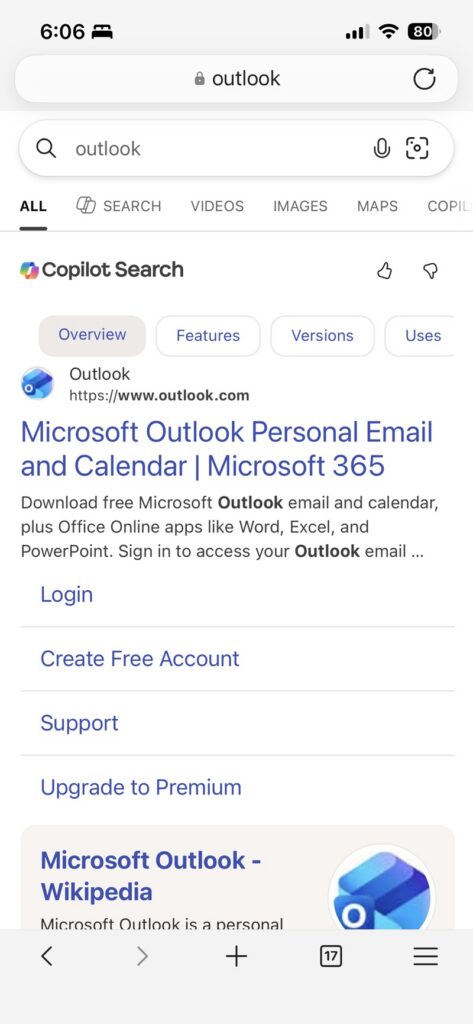
Here’s the part that’s genuinely confusing, because Microsoft’s own promotional banner tells you to use “Outlook mobile,” full stop — but the fine print behind the offer is pickier than that. Numerous users on the Microsoft Q&A forums report that the dedicated Outlook app frequently fails to register the activity, while navigating directly to Outlook.com in your phone’s mobile web browser and completing the task through the Rewards mini-app or banner there does work. Some users say Chrome specifically got it working after the native app repeatedly failed to move the counter, while Edge is generally the safest bet since Rewards activities are tuned around Microsoft’s own browser.
In other words, “check email in Outlook mobile” as advertised in that banner may really mean “check email at Outlook.com through your phone’s browser,” which is a distinction that isn’t obvious from the marketing copy and isn’t something most users would think to try first.
Timing and the Reset Clock
Another wrinkle that shows up repeatedly in the Microsoft Q&A threads: the daily reset for this particular activity appears to run on UTC midnight, not on whatever local reset time the Rewards dashboard visually implies. One user thread worked out that if you complete the activity late in the evening — say after roughly 7–8 PM Eastern — you may actually be doing it after the new “day” has already started server-side, meaning the points get attributed to a day that’s already closed out, or the counter simply won’t move until the next real cycle begins. Microsoft’s own community moderators have acknowledged this is a source of confusion but haven’t clarified it beyond directing users to Rewards support.
It Might Just Be Broken
This is the part worth taking seriously: this isn’t only a “you’re doing it wrong” situation. Independent tech outlets and Reddit’s r/MicrosoftRewards community have documented actual outages of this specific offer, separate from any user error. Reports have described the “Read 3 Outlook emails” task getting stuck at 0/3 for large numbers of users simultaneously, streak credit disappearing, and in at least one case, Microsoft Rewards support confirming by email that the offer had been temporarily disabled on the backend — with no promised return date. So if you’ve tried every combination of app, browser, and account type and it’s still not tracking, it’s entirely possible the offer is just down for everyone right now rather than misconfigured on your end.
What to Actually Try
If you want to troubleshoot this yourself before giving up on it, a reasonable order of operations is:
- Confirm you’re on your personal Microsoft account, not a work or school login, both in Outlook and on the Rewards dashboard.
- Skip the Outlook app and instead open Outlook.com directly in your phone’s mobile browser (Edge first, Chrome as a fallback), and look for the Rewards banner or mini-app there rather than just reading mail as usual.
- Do the activity earlier in the day rather than late evening, to avoid the UTC reset ambiguity.
- Check rewards.bing.com afterward to see if the counter updated, rather than relying on the in-app number, which can lag.
- If none of that moves the needle, check r/MicrosoftRewards or the Microsoft Q&A forum for the current status — if it’s a known outage, there’s genuinely nothing to fix on your side, and the only real move is filing a report with Microsoft Rewards support so there’s a record of it.
Further Reading
If you want to see the reports and discussions this article draws on, these are worth a look:
- Microsoft Rewards users report “Read 3 Outlook emails” not working again — PiunikaWeb’s coverage of the widespread 0/3 tracking failures.
- Microsoft Rewards pulls “Read Outlook Emails” offer with no return date in sight — follow-up reporting including Microsoft support’s email confirming the offer was disabled.
- Microsoft Rewards isn’t giving points for opening emails in Outlook — the Microsoft Q&A thread referenced in this post, including the UTC reset-timing discussion.
- Why Can’t I get Microsoft Points by Reading 3 E-mails a day? — a longer Microsoft Q&A thread with users comparing app vs. browser results across regions.
- Getting personal Rewards points for work searches — Microsoft’s own support page on the personal-vs-work account eligibility rule.
The Bottom Line
Microsoft’s marketing makes this sound like a guaranteed freebie: open the app, check three emails, bank the points. The reality is messier — an account-type restriction that quietly excludes work and school inboxes, a browser-versus-app distinction that isn’t spelled out anywhere in the promo, a reset clock that doesn’t match the dashboard, and a track record of the offer simply going dark without warning. If you’ve been checking your work 365 email daily and never seeing a single point for it, the account-type rule alone is probably your answer — but if you’ve confirmed you’re on a personal account and it’s still not working, you’re likely just catching one of Microsoft’s periodic outages on this particular task, not doing anything wrong.