
Key Takeaways
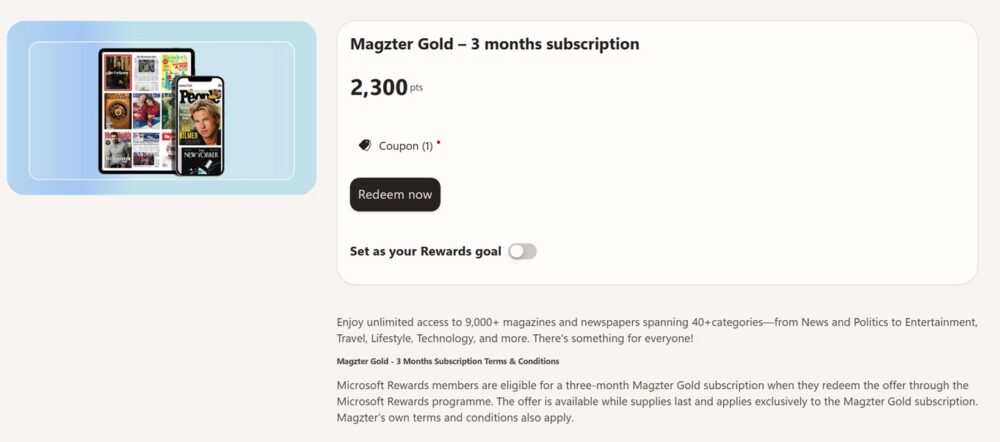
- Cost: The Magzter Gold 3-month reward costs 2,300 Microsoft Rewards points and unlocks unlimited access to 9,000+ magazines and newspapers.
- Value: That works out to a fraction of Magzter’s own retail pricing, where a full year typically runs $75–$150 depending on the current promotion.
- Redemption: You claim it directly on the Microsoft Rewards redeem page — no coupon hunting required, just enough points in your account.
- Point-stacking: Daily searches, quizzes, the Rewards mobile app, and Edge browsing are the fastest legitimate ways to bank the 2,300 points needed.
- Limited supply: Microsoft caps how many of these redemptions are available, so it’s worth acting once you hit the point threshold rather than waiting.
What Is Magzter Gold?
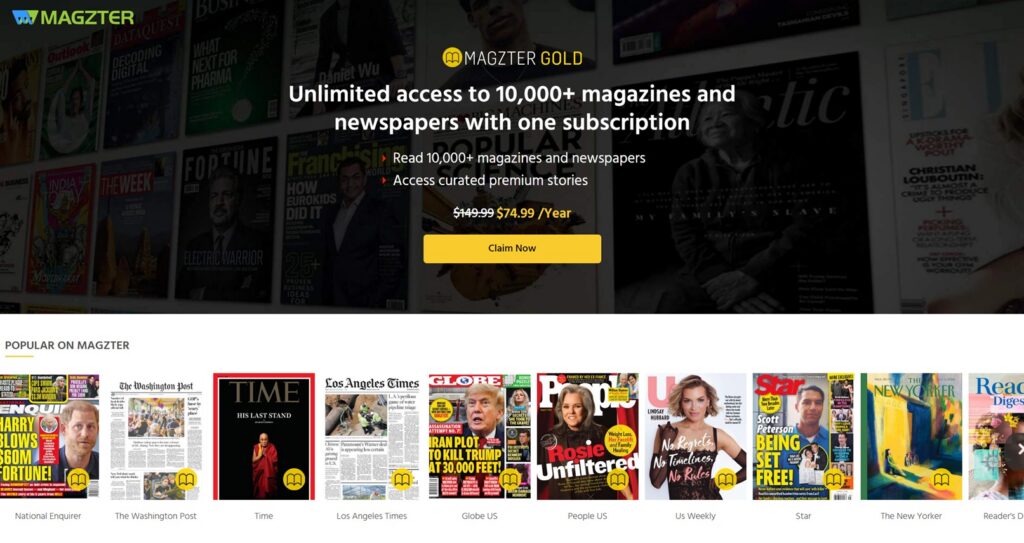
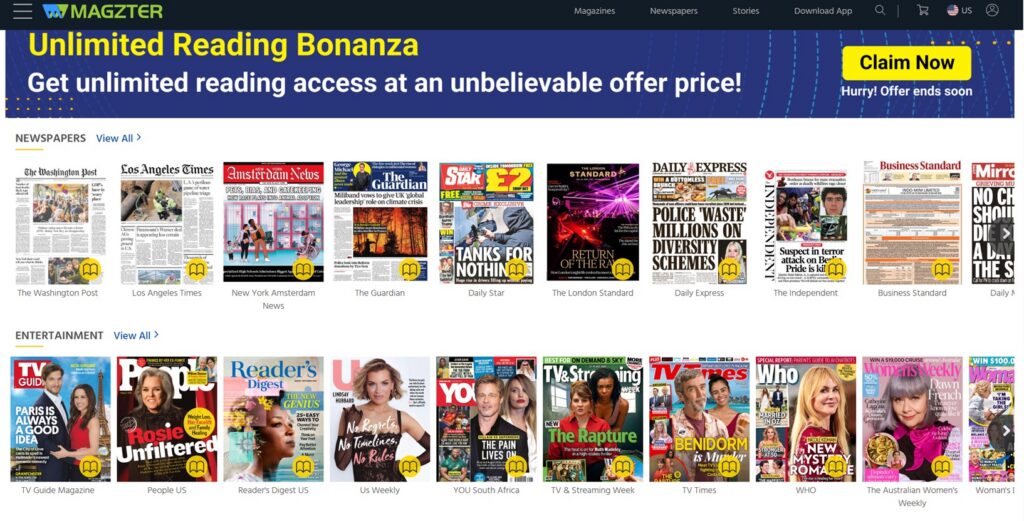
Magzter is a digital newsstand — think of it as a streaming subscription, but for magazines and newspapers instead of movies and shows. A Magzter Gold membership gives you unlimited reading access to its full library, which spans thousands of titles across categories like news, politics, entertainment, travel, lifestyle, and technology. Instead of buying single issues one at a time, Gold members can browse and read as much as they want across the entire catalog, on the web or through the Magzter apps on phones, tablets, and Kindle devices.
Through the Microsoft Rewards program, Microsoft periodically offers a Magzter Gold – 3 months subscription redemption. For 2,300 Microsoft Rewards points, members get three months of full Gold access — unlimited reading across more than 9,000 magazines and newspapers spanning over 40 categories, from News and Politics to Entertainment, Travel, Lifestyle, and Technology. It’s a straightforward swap: points you’ve already earned just from using Bing and Microsoft products, in exchange for three months of reading material you’d otherwise pay for out of pocket.
One thing worth noting from the terms: this is a limited-supply promotional offer, and it’s meant to introduce new subscribers to the service. It’s exclusively for the Gold subscription tier (not a specific magazine or bundle), and Magzter’s own terms apply on top of Microsoft’s.
What Does This Actually Cost — And How Does It Compare?
If you tried to buy Magzter Gold directly rather than through Rewards, the pricing varies by promotion and region, but a full year of Gold access on Magzter’s own site is commonly listed at a standard rate in the $140–$150/year range, with promotional pricing frequently bringing that down to somewhere around $75/year. Regional and currency-based plans (like the India-priced tiers) run cheaper still, but for U.S. shoppers, the retail sticker price is the more relevant comparison.
So how does the Rewards redemption stack up? You’re getting a quarter of a year of the exact same unlimited access for 2,300 points — points that cost you nothing but a bit of daily browsing and searching. If you value Microsoft Rewards points at their typical “cash equivalent” (many redemptions work out to roughly $1 for every 100–150 points, depending on the reward), 2,300 points is worth somewhere in the ballpark of $15–$23. Compare that to paying $35–$40 out of pocket for three months of Magzter Gold at retail rates, and the Rewards redemption comes out well ahead — you’re essentially getting the subscription at a steep discount just by routing it through points you’d likely be earning anyway.
The other advantage: no credit card required, no auto-renewal to remember to cancel, and no need to hunt down a working coupon code before checkout. You redeem, and the three months are yours.
How to Redeem It Through Bing / Microsoft Rewards
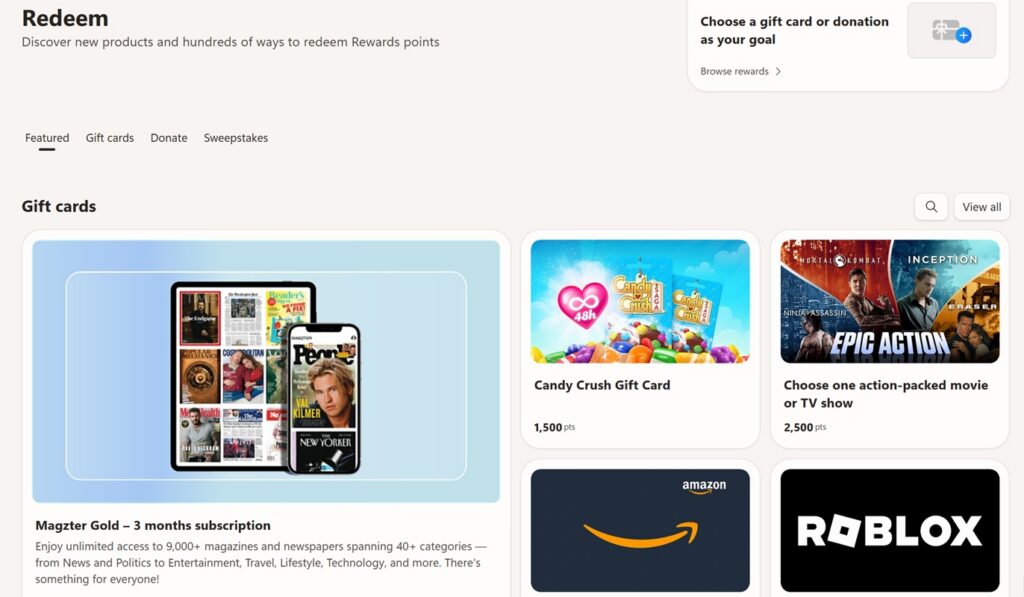
Getting the Magzter Gold reward is a simple process once you have the points:
- Sign in to your Microsoft account and make sure you’re enrolled in Microsoft Rewards (rewards.bing.com).
- Check your point balance on your Rewards dashboard to confirm you have at least 2,300 points.
- Head to the Redeem page at rewards.bing.com/redeem and search for “Magzter,” or go directly to the Magzter Gold – 3 months subscription listing.
- Click Redeem now. You’ll confirm the redemption, and Microsoft will provide the subscription details (usually a code or activation link) to apply on Magzter’s site or app.
- Activate on Magzter. Follow the instructions to link the redemption to a Magzter account — new or existing — so your three months of Gold access starts.
Because this is a limited-quantity promotional item, availability can come and go. If you see it listed but don’t yet have enough points, it’s worth checking back periodically, since Microsoft does restock these periodically and occasionally rotates in similar magazine or media rewards.
How to Maximize Your Points to Reach 2,300 Faster
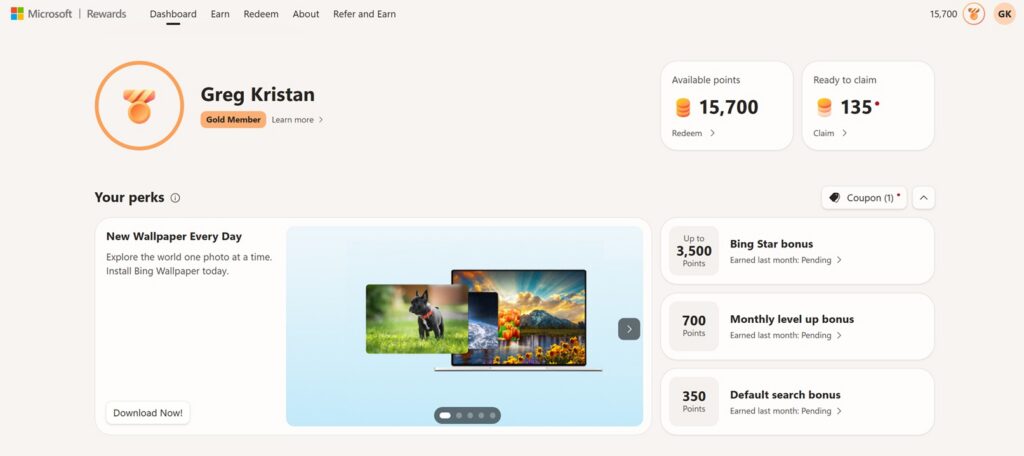
2,300 points sounds like a lot until you break down how many ways Microsoft Rewards lets you earn them. Here’s how to get there efficiently:
- Do your daily searches on Bing. This is the single biggest lever — regular Bing searches (on desktop and mobile) earn points daily, and Microsoft rewards a mix of frequency and variety, not just volume.
- Complete the daily set and quizzes. The Rewards dashboard typically has a rotating set of daily activities — polls, trivia, and quick quizzes — that add up to meaningful points for just a couple of minutes of clicking each day.
- Use the Microsoft Rewards mobile app. The app often has its own exclusive daily and weekly bonuses, plus mobile-specific search point boosts that desktop use doesn’t unlock.
- Browse with Microsoft Edge. Some bonus activities and streak multipliers are tied specifically to using Edge as your browser, so switching your default browsing habit (even part-time) can meaningfully speed up your point accumulation.
- Watch for streak and level bonuses. Consistency matters — Rewards gives bonus points for maintaining daily activity streaks, and reaching higher membership “levels” often unlocks bigger point multipliers on top of your base earnings.
- Check for limited-time bonus offers. Microsoft periodically runs “bonus point” promotions tied to specific searches, Microsoft Store purchases, or partner activities — these can offer outsized point boosts compared to standard daily searching.
If you stack a few of these habits — daily searches, the quiz set, and the mobile app — most active Rewards members can accumulate 2,300 points within a couple of weeks without any real effort. From there, it’s just a matter of catching the Magzter Gold listing while it’s in stock and claiming three months of reading material for points you were likely going to rack up anyway.