
TL;DR
- Free Marketplace money: Microsoft Rewards lets you trade points from Bing searches and daily activities for Minecoins, the currency used in the Minecraft Marketplace. You can unlock skins, worlds, and texture packs without paying a dime.
- October 2026 price: The reward is a digital code for 330 Minecoins at 2,500 points. That’s about 7.6 points per Minecoin, and two codes cover most mid-priced Marketplace items.
- Works almost everywhere Bedrock runs: The code works in Minecraft on Windows, Xbox, Nintendo Switch, iOS, and Android. It does not work in Minecraft: Java Edition.
- Know when a gift card wins: For large purchases on Xbox or Windows, a Microsoft Gift Card can buy bigger, cheaper Minecoin packs. The direct code is the better pick for smaller amounts or for players on phones and Switch.
Every Minecraft player eventually spots a skin pack or adventure map in the Marketplace that they just have to have. Instead of asking a parent for a gift card or reaching for your own wallet, you can earn the currency for free. Microsoft Rewards offers a Minecraft Minecoins code that you can claim with points from everyday searching. Here’s how to collect those points, what the reward costs as of October 2026, and how to decide whether it’s the smartest way to spend your balance.
Earn More Points Daily
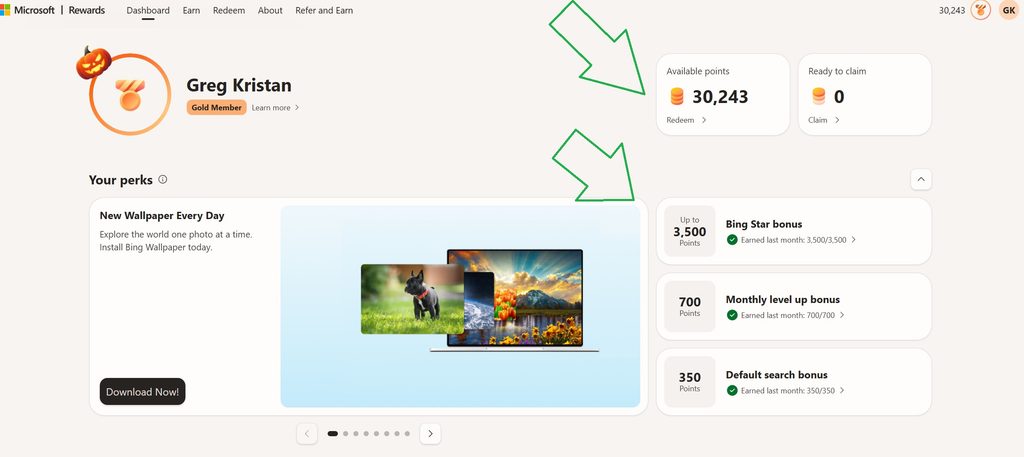
Microsoft Rewards pays you for searching with Bing while you’re signed into your Microsoft account. Desktop and mobile searches each come with their own daily limit, so using only one device means leaving free points behind every single day.
The simplest fix is to put Bing on your phone. The app lets you knock out your mobile searches from anywhere, whether you’re on the bus or waiting in line:
Another thing to note is that there are additional ways to earn more points throughout the month. I published a post about the Bing Star Bonus, which is currently giving me 3,500 additional points at the end of the month. Same goes with having Bing (and Edge) as your default browser on your Windows 10 and 11 laptop or computer
Minecoins Point Costs as of October 2026
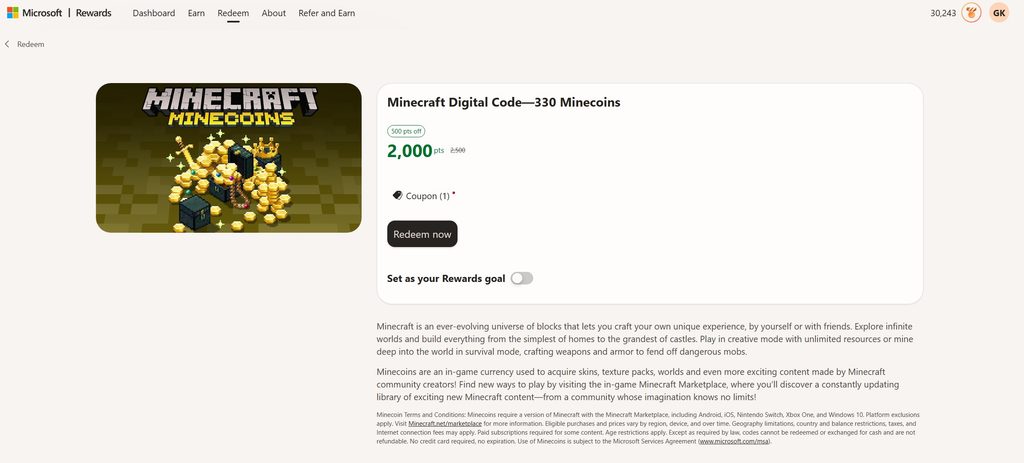
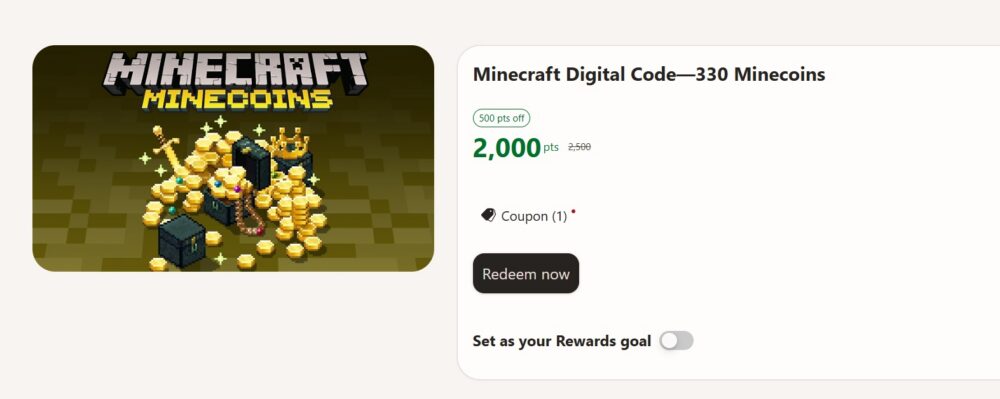
Unlike gift cards with several dollar amounts, the Minecoins listing offers a single option: a Minecraft digital code worth 330 Minecoins for 2,500 points.
As a note, my redeem dashboard is giving me a 500 point discount as of publishing this content. My guess is that this will be removed soon.
What You Can Unlock With Minecoins
Minecoins are spent in the Minecraft Marketplace, the in-game shop built into the Bedrock version of the game. Creators sell all kinds of add-on content there, including:
- Skin packs that change how your character looks
- Texture packs that give blocks, mobs, and items a fresh style
- Adventure maps and worlds with custom builds, minigames, and quests
- Mash-up packs that bundle skins, textures, and a themed world together
- Add-ons that bring new creatures, tools, or mechanics into your game
Everything you buy is cosmetic or bonus content, so you’re not paying to win. Smaller skin packs often fit within a single 330-coin code, while bigger worlds and mash-ups may need two or three codes saved up.
Redeeming Your Code and Adding the Coins
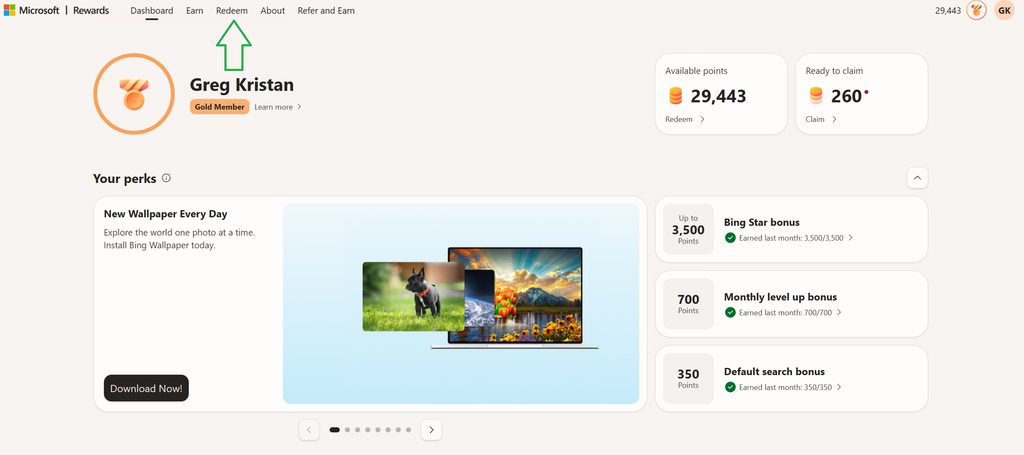
Once you’ve saved 2,500 points, claiming your Minecoins is quick:
- Sign in at rewards.bing.com with the account holding your points.
- Go to Redeem and open the Minecraft Minecoins reward.
- Click Redeem now and confirm. First-time redeemers may need to verify a phone number.
- Copy the code from your confirmation email or the Order history page.
- Enter the code in Minecraft or on the official Minecraft redeem page while signed into the same account you play on.
The code works on Windows, Xbox, Nintendo Switch, iOS, and Android versions of Minecraft that include the Marketplace. It does not work in Minecraft: Java Edition, which doesn’t use Minecoins at all. Codes don’t expire, so you can hold one until the perfect skin pack drops.
Minecoins Code vs. a Microsoft Gift Card
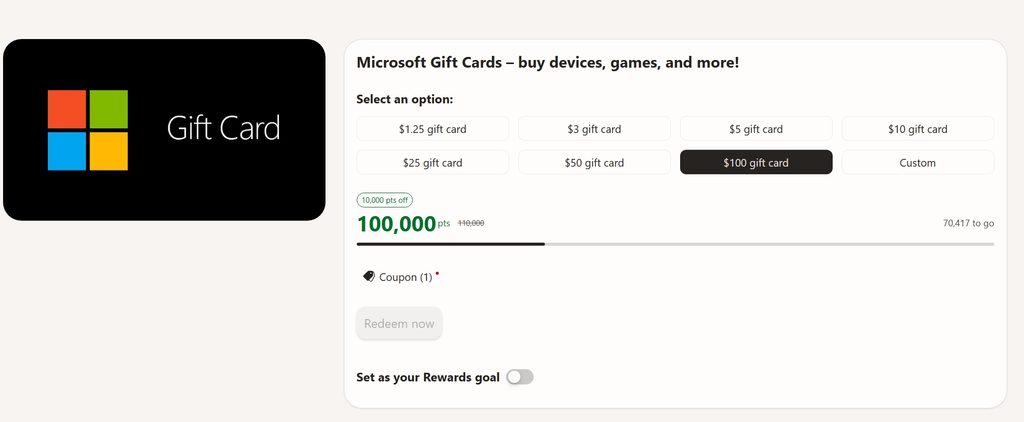
There’s a second way to turn points into Minecoins. If you play on Xbox or Windows, you can redeem a Microsoft Gift Card and use that balance to buy Minecoin packs in the store. Because Minecoins get cheaper in bigger packs, this route can win for large purchases:
| Route | Points (approx.) | Minecoins | Points per Minecoin |
| Three Minecoins codes | 7,500 | 990 | about 7.6 |
| $10 Microsoft Gift Card for the 1,720 pack | 10,000 to 10,500 | 1,720 | about 6 |
Saving up for the gift card gives you about 20% more coins per point. But it comes with tradeoffs. The gift card balance must be spent within 90 days, sales tax can eat into it, and it only works for purchases on Xbox or Windows. It won’t help players on iPhone, Android, or Nintendo Switch.
The Minecoins code is the better fit if you play on mobile or Switch, want something quick at a low point total, or just need enough for one skin pack. If you’re on Xbox or PC and eyeing a big world or mash-up, the gift card route stretches your points further.
Final Thoughts
Free Minecoins are one of the easiest wins in Microsoft Rewards. At 2,500 points, a 330-coin code is within reach in about two weeks of steady Bing searching on your computer and phone. Grab the code for quick Marketplace buys on any device, and lean on a Microsoft Gift Card when you’re saving up for something bigger on Xbox or Windows. Either way, your everyday searches turn into new skins, worlds, and adventures.
Key Takeaways
- Cost: 330 Minecoins for 2,500 points.
- Platforms: Bedrock only, not Java.
- Speed: About two weeks of searching.
- Big buys: Gift card can stretch further.
Similar Posts:
- How to Get Minecraft Digital Codes from Microsoft Rewards
- How to Earn Xbox Gift Cards Through Microsoft Rewards
- How to Get a Roblox Digital Card Through Microsoft Rewards
- How to Get League of Legends Gift Cards from Microsoft Rewards
- Is the Xbox Mastercard Worth It for Microsoft Rewards?
- How Does the Edge Browsing Streak Work for Microsoft Rewards?
- Microsoft Rewards Refer and Earn Not Working? Here’s Why (and How to Fix It)