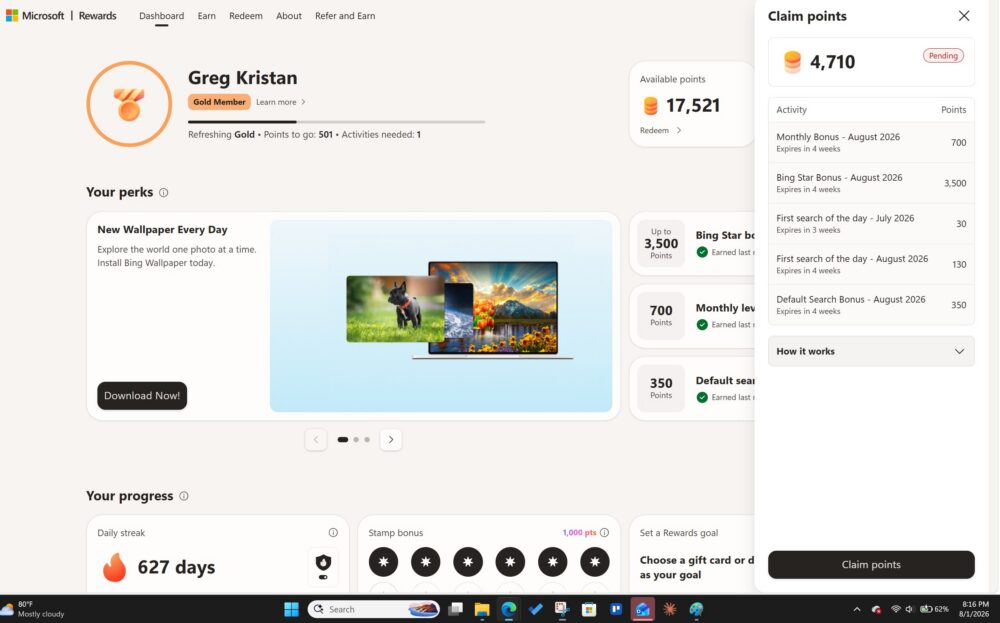
As the title says, I earned an additional 4,710 Microsoft Rewards points to start August 2026 based on my activity in July. The Bing Star Bonus was something I wrote about on this site, and now I have the screenshots to show my additional earnings. I’ve seen on Reddit that the bonus payout is mixed, so I’m writing about what I did and how I think I was able to earn so many points to my account.
Bing as My Default

I use Edge and Bing as my default browser and search engine on my Windows 11 laptop. I mainly use Edge because I only use Google Chrome for specific browsers that don’t work as well with Edge for some reason. Regardless, having Edge as your default browser also ensures you are using Bing, which is an easy to make sure you are getting your searches done.
As you can see, you get an additional 350 monthly points for having Bing as your default at the end of the month. That equates to roughly 1.5 days of normal Bing searching, so its not very big, but it helps makes sure I’m hitting my searches
I Use the Bing App on Mobile
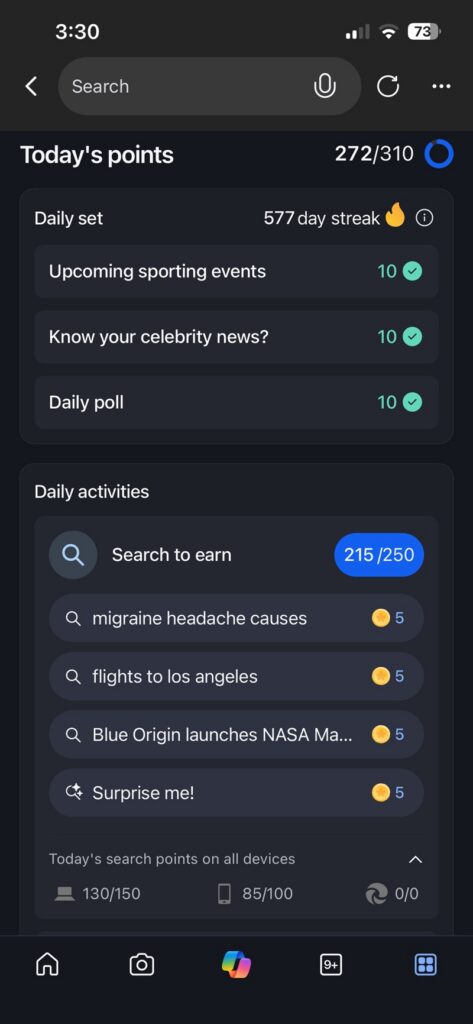
Another way that I earn more Bing Points is by using the Bing App on my iPhone. Evey day, I wake up and immediately do the daily set challenge, which helps extend my streak and gives me additional points. Plus, you get, as of August 2026, 30 daily points for clicking on Microsoft reading articles. Microsoft reading articles are simply when MSN or another platform repurposes content from a source like NY Post. Usually, I just search for “xbox news” or “Yankees news,” which will trigger several MSN articles for me to click on. I normally don’t read these articles, but I also space out when I visit them so I don’t trigger an unusual search message.
An Occasional Xbox Check-in

Admittedly, I was much better at checking into my Xbox on a weekly basis to get additional points. You can read more about some of the tips and benefits of using Xbox to earn more Microsoft Reward points.
Stil, I occasionally will open up the Xbox app on my computer to play solitare for 10-15 minutes to trigger additional Microsoft Reward points.
Genuine Searches
Genuine searches are something that is difficult to measure on Microsoft Rewards. Since I use the Edge app as my default on my computer, I think that is why my searches appear and are legit. I’m not using a VPN to fake where I am, nor am I spamming the Bing search bar with random number and letters to hit searches. Since I’m in front of my computer all day, I’m naturally searching for every day items without thinking about the number of Bing searches I’ve done.
I Redeem My Points

In July, I was able to redeem my points for a DoorDash gift card. The reason why I think this matters is that this looks normal from an account perspective. Having around 40k points and then spending them on a gift card shows you are using the platform correctly, and are getting the rewards from it. Again, Microsoft probably sees this as a legit type of search activity pattern.
Microsoft Cashback
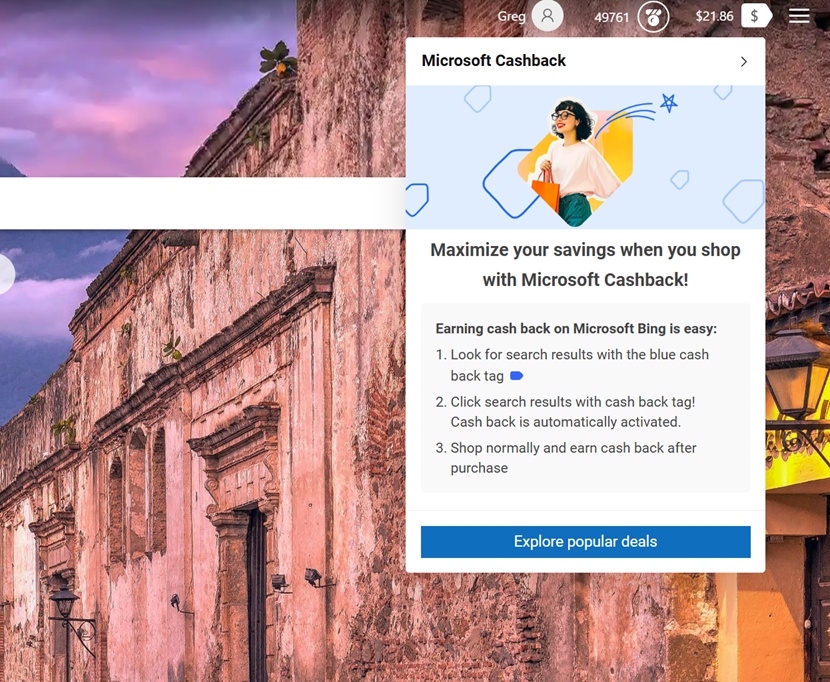
Sticking with the genuine searches, I think another reason why I hit over 4k in additional points is because I actually bought something online through Edge and got cashback on it. Again, I believe actions like this look genuine, and shows that I’m using the platform the way that it was intended.
You can learn more about Microsoft Cashback in this article.